

Jellyfin vs. Plex Comparison (2025)
Below is a side-by-side comparison of Jellyfin and Plex, two popular self-hosted media servers for organizing and streaming personal media libraries (e.g., movies, TV shows, music). This draws from recent analyses, focusing on key features, costs, pros, and cons. Both support core functions like media transcoding, multi-device streaming, and user management, but differ in openness, polish, and monetization.
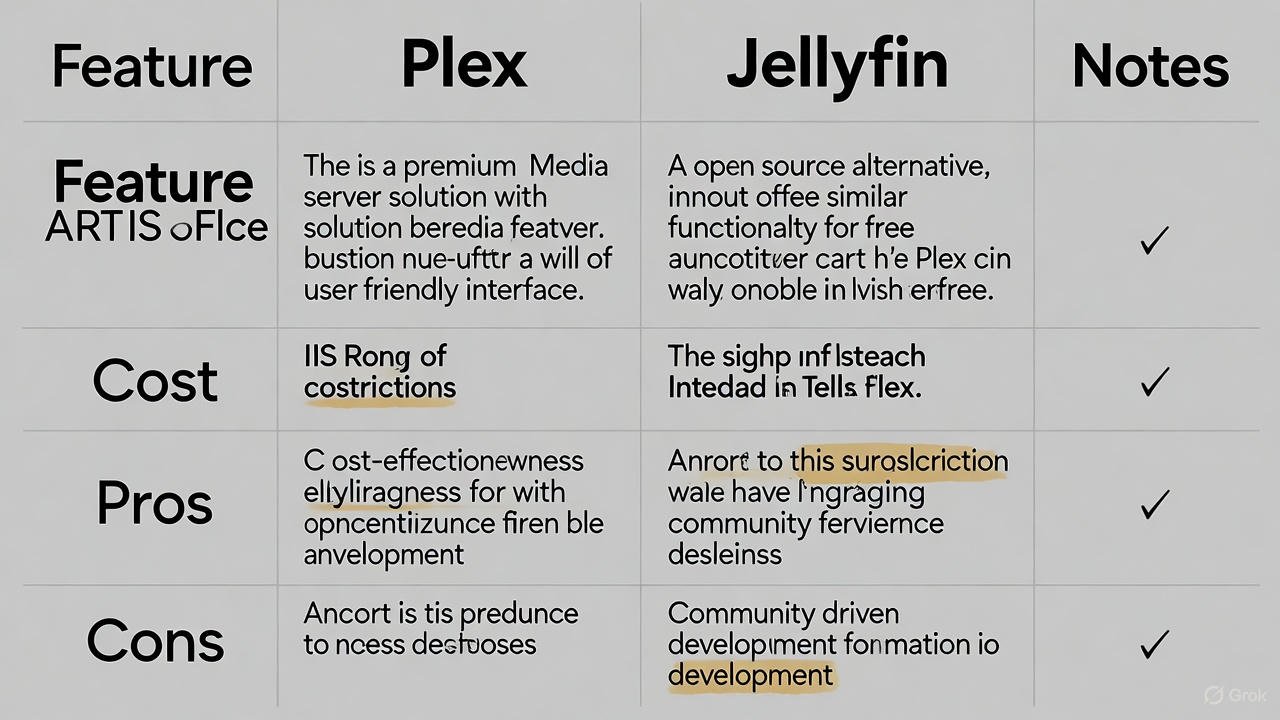
| Aspect | Jellyfin | Plex |
|---|---|---|
| Cost | Completely free; no subscriptions, paywalls, or premium tiers. All features included. | Freemium model: Basic features free, but advanced ones require Plex Pass ($4.99/month, $39.99/year, or $249.99 lifetime—increased from $119.99 in 2025). |
| Key Features | – Fully open-source (GPL license) with community plugins for customization (e.g., skip intro, metadata providers, Kodi integration). – Free hardware/software transcoding, HDR tone mapping, Live TV/DVR (via M3U/tuners), offline downloads, bandwidth control. – Supports web/smartphone/TV apps, multi-user dashboards, parental controls. – Privacy-focused: No internet dependency for local use, fully self-hosted. – Limited content discovery/recommendations; basic music player. | – Proprietary with polished UI and easy setup wizard. – Hardware/software transcoding, HDR tone mapping, Live TV/DVR, offline sync, skip intro, AI recommendations (many paywalled via Plex Pass). – Extensive device support (e.g., consoles, smart TVs, mobile apps with syncing). – Integrates ad-supported content, streaming services, cloud storage; advanced music app (Plexamp). – Requires internet for authentication/remote access. |
| Pros | – 100% free with no ads or data collection; high privacy and full data control. – Open-source for modifications and active community support. – All premium-like features (e.g., transcoding, DVR) included without extra cost. – Efficient for core self-hosting; works offline. | – User-friendly with Netflix-like interface and seamless remote access. – Broad device compatibility and polished apps (e.g., for consoles, TVs). – Feature-rich with integrations (e.g., recommendations, ad-supported movies). – Professional development ensures reliability and frequent updates. |
| Cons | – Steeper learning curve; manual setup for remote access (e.g., reverse proxy, port forwarding). – Less polished UI and apps; limited native support for some devices (e.g., no official PlayStation/Xbox apps). – Metadata can be inconsistent; basic music features; relies on community for plugins. | – Many features paywalled; privacy concerns (data sent to servers, ads). – Internet required for some functions; limited plugins (phasing out). – Higher cost for full access; potential dependencies on Plex’s ecosystem. |